PhD Tools: Backup Systems for Staving off Sadness
All parts
- PhD Tools: Beeminder Aug 2016
- PhD Tools: Visualise Structure and Kanban Flow with Trello Aug 2016
- PhD Tools: Think better with Tinderbox Aug 2016
- PhD Tools: DevonThink for File Storage and Discovery Aug 2016
- PhD Tools: Save your web links with Pinboard Aug 2016
- PhD Tools: Scrivener for Writing Long Things Aug 2016
- PhD Tools: Bookends for Managing References Aug 2016
- PhD Tools: Mellel for Layout and Final Presentation Sep 2016
- PhD Tools: RescueTime for Time Tracking Sep 2016
- PhD Tools: Turn Off the Internet with Freedom Sep 2016
- PhD Tools: Backup Systems for Staving off Sadness Sep 2016
- PhD Tools: Omnifocus for Managing your Non-PhD Life Sep 2016
- PhD Tools: The Secret to Finishing Your PhD Sep 2016
- PhD Tools: Vitamin-R and the Pomodoro Technique for Getting Going Sep 2016
- PhD Tools: Freewriting and Journalling to Think Through your Work Sep 2016
- PhD Tools: Pen and Paper Sep 2016
- PhD Tools: 'Always return to your primary sources' Sep 2016
- PhD Tools: Goodreads for Cross-Pollination Sep 2016
- PhD Tools: Sleep and Movement to Nourish the Body Sep 2016
- PhD Tools: Tea Sep 2016
[This is part of a series on the tools I used to write my PhD. Check out the other parts here.]
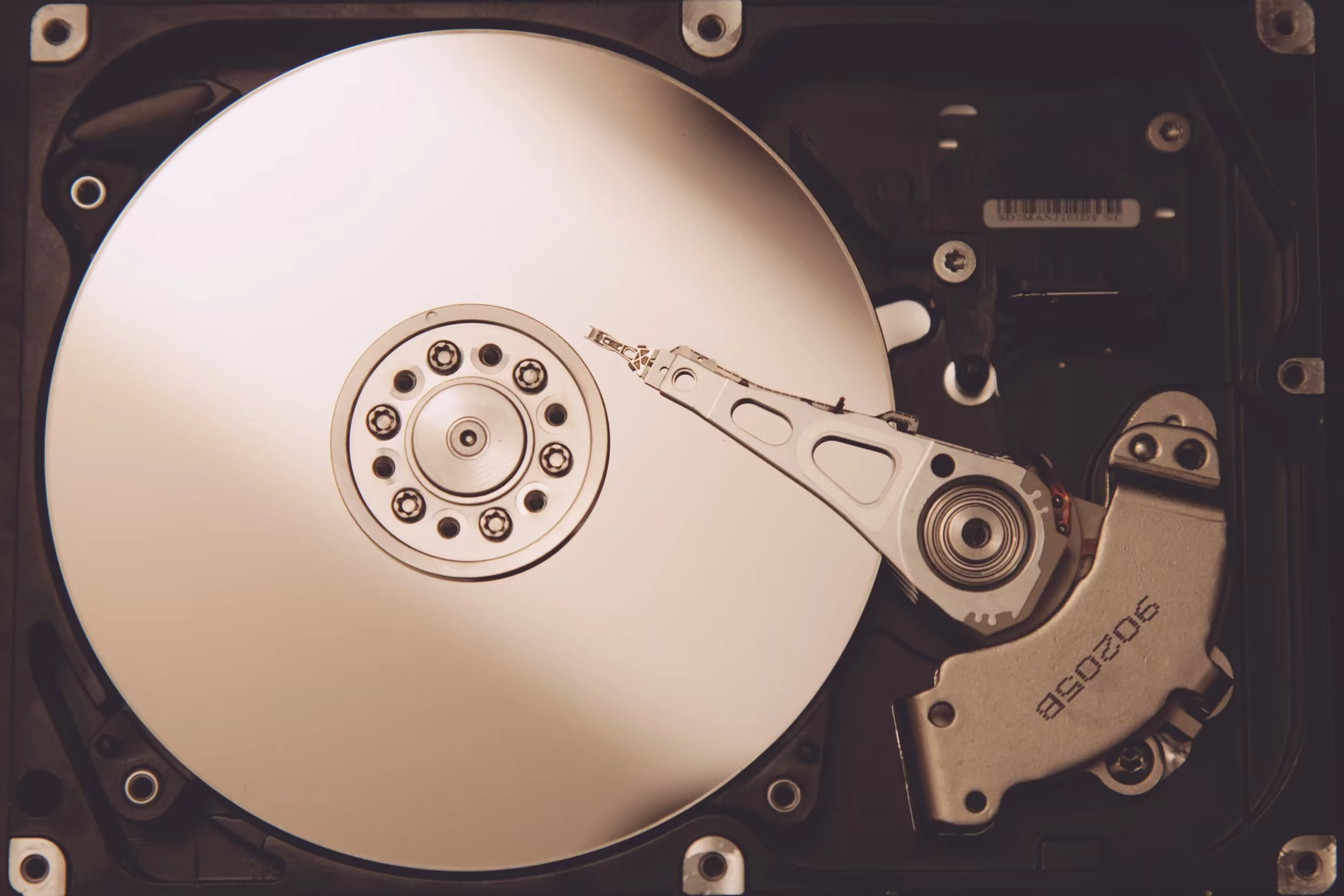
Having some kind of backup system is essential for all PhD students (and probably anyone else using a computer for writing of one kind or another). The less friction to your backup system, the better. If you have to plug in a USB or Firewire external hard drive in order to start your backup process, you’re probably not going to be doing it enough and you’re probably going to lose files and data.
I’ve learnt the hard way how hard drives can fail. A few years ago, I lost roughly a decade’s worth of digital photos when my backup system failed. My work files were ok – because I’d taken steps to check that this was working - but for whatever reason I hadn’t taken the same care for my non-work files. Cue sadness.
I use multiple types of backup. Ideally, you’ll also use at least two. One should be a regular backup to a hard drive – something like Apple’s Time Machine in conjunction with an external disk – and the other should be a cloud backup.
I use Backblaze and Spideroak for my cloud backups. You may find it overkill to have two separate systems for storing my backups in the cloud, but space and the services are cheap enough that it’s possible. In fact, if I was living somewhere with faster internet I’d probably add in AWS Glacier as an additional backup service.
I also use SuperDuper to make a clone copy of my hard drive. I’ve been burnt by Apple’s Time Machine backup in the past (see above) so I don’t use it any more because I lost my trust. But I heard it’s better now. Caveat emptor.
Programmes like Scrivener (see earlier blogpost) have built-in auto-backups. Use them, and test them to make sure it’s doing what it says it’s doing. You don’t want to have to find this out after something’s gone wrong.
In fact, I encourage you to make a recurring calendar appointment with yourself to stress-test your backup systems once every two or three months. Different scenarios to try out: your hard drive fails; try to get hold of your main PhD working draft from your backup system. Or, another good one, your laptop gets stolen; are you able to access all your files regardless, and eventually (once you replace your computer) restore your system as it was before the theft? Actually do these tests! I’ve often found that a system that I thought was working properly turns out to be failing in some small but essential way.
Towards the end of the writeup, your paranoia around file failure is likely to be sufficiently intense as to inspire all sorts of manual backup routines. Earlier this year while I was nearing that point myself, I would email myself zipped copies of the scrivener file as well as store copies on Evernote and Google Drive and Dropbox. This, note, in addition to the other backups I had going.
A lot of this is common sense. Backups are important. We all know it. But it’s good to have a system that you know and can be confident works. Don’t tarry! Take steps to set something up today, even if it’s just a background cloud backup service like Backblaze.
Get new posts by email
Every new post, technical and personal, sent when I publish. Unsubscribe any time. Prefer a feed reader? There's technical RSS and personal RSS.